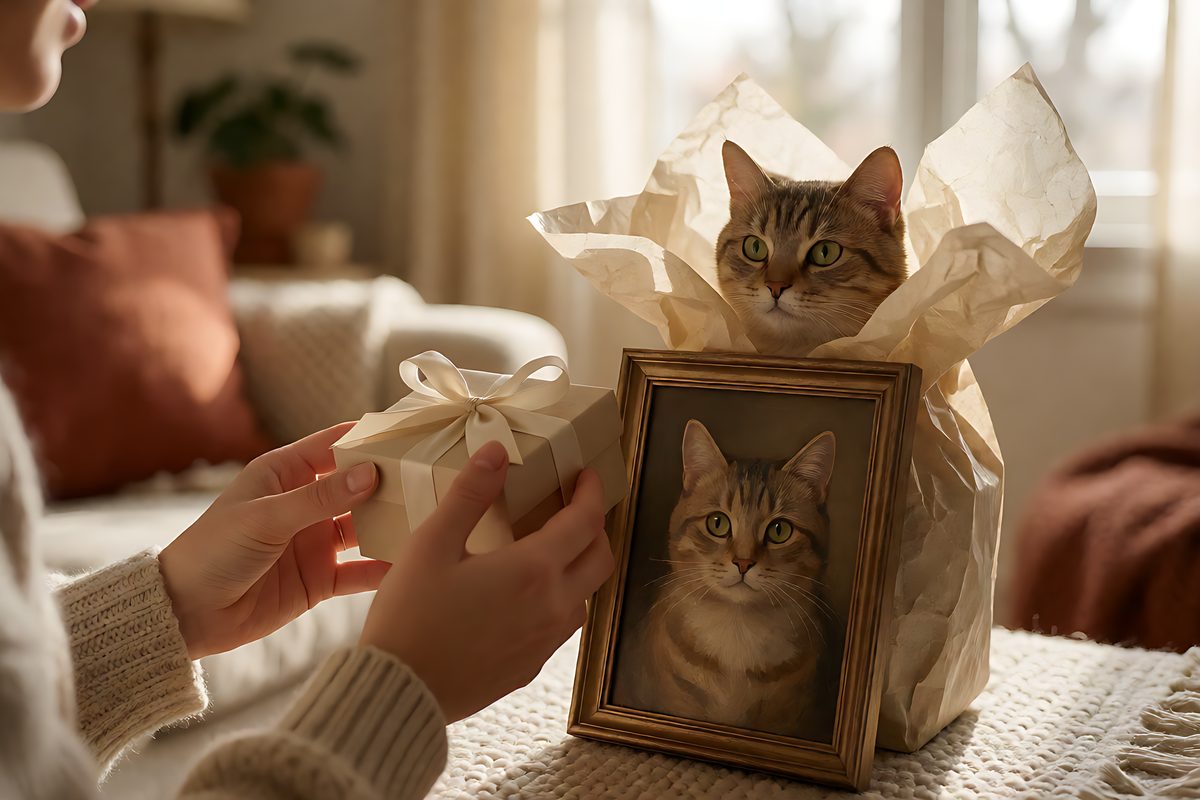
How to Send a Pet Portrait as a Private Gift Reveal
A private reveal link turns a portrait file into a moment: your words first, then the art. Here’s how to send one well.
A PetMona Gift Reveal is a private link that opens your short note first and then the portrait, included with every HD unlock ($3.99). It beats emailing a PNG for birthdays, Christmas and sympathy gifts, and the Gift-Ready Bundle ($6.99) adds a certificate, a QR sticker and a wall mockup.
Emailing a PNG can feel flat — especially for birthdays, Christmas, or a quiet memorial. A better pattern is to let the recipient open a private page: your short note first, then the portrait. PetMona includes that reveal flow with every unlock.
When a reveal link beats a raw download
- Holiday mornings — send the link at breakfast instead of spoiling a wrapped print.
- Long-distance gifts — no shipping delay, still feels intentional.
- Sympathy — a calm note before the image gives people a second to arrive emotionally.
A simple send checklist
Unlock the HD portrait, optionally add a dedication on the art (or keep a clean print version), write the reveal note, create the link, and copy it into Messages or email. If you’re also gifting a frame, download the QR sticker PDF and tuck it on the back so they can reopen the moment later.
What the person on the other end sees
They open a private link. Your short note appears first, then the portrait is revealed — no file to download and nothing to install. It reads as a moment you planned rather than an attachment you forwarded.
What it costs
- Unlock the HD portrait for $3.99 and the reveal flow is included with every unlock.
- Choose the Gift-Ready Bundle for $6.99 if you want two files, a reveal page, a certificate, a QR sticker and a wall mockup in one go.
- Add a shipped print later: $36.99 for the unframed 8×10″, $79 for the framed 12×16″ (US and Canada).
See what they will see before you send it
Because the portrait is free to preview, you know exactly what lands in their inbox. Start at petmona.app/generate, then pick the gift path that fits the moment.
Start from a gift path that matches the moment — birthday, Christmas, Valentine’s, new pet, memorial, or sympathy — then generate, unlock, and send the reveal when you’re ready.
PetMona turns a clear pet photo into wall-ready art — ship an 8×10″ print or unlock HD to gift yourself. Free preview, no subscription.
Frequently asked questions
How do I send a pet portrait as a gift online?
Unlock the HD portrait, write a short note, create the private reveal link and send it by message or email. The recipient sees your note first, then the portrait.
Does the recipient need an account?
No. PetMona has no accounts or logins; they simply open the private link.
Can I add a physical gift too?
Yes. Add a shipped print — $36.99 for the unframed 8×10″, $79 for the framed 12×16″ in the US and Canada — and tuck the QR sticker on the back so they can reopen the reveal later.